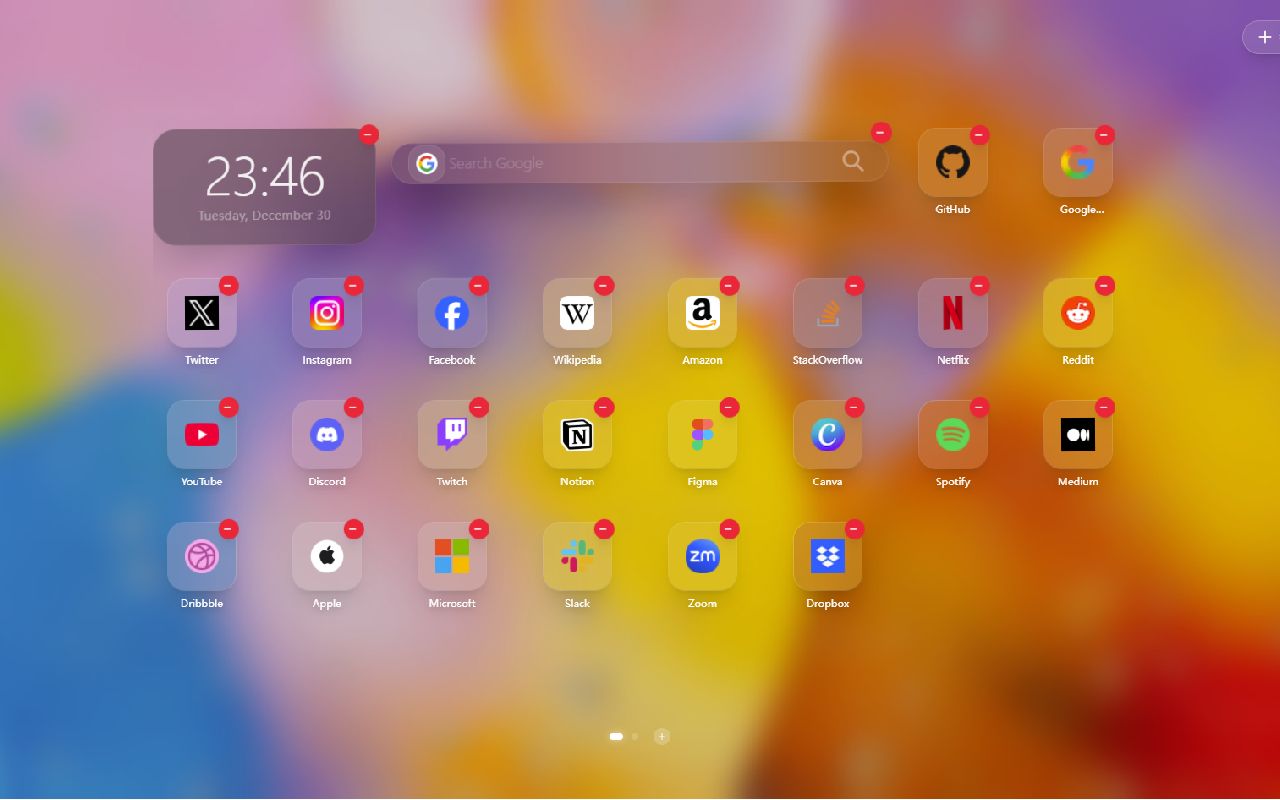
WTab — New Tab Extension
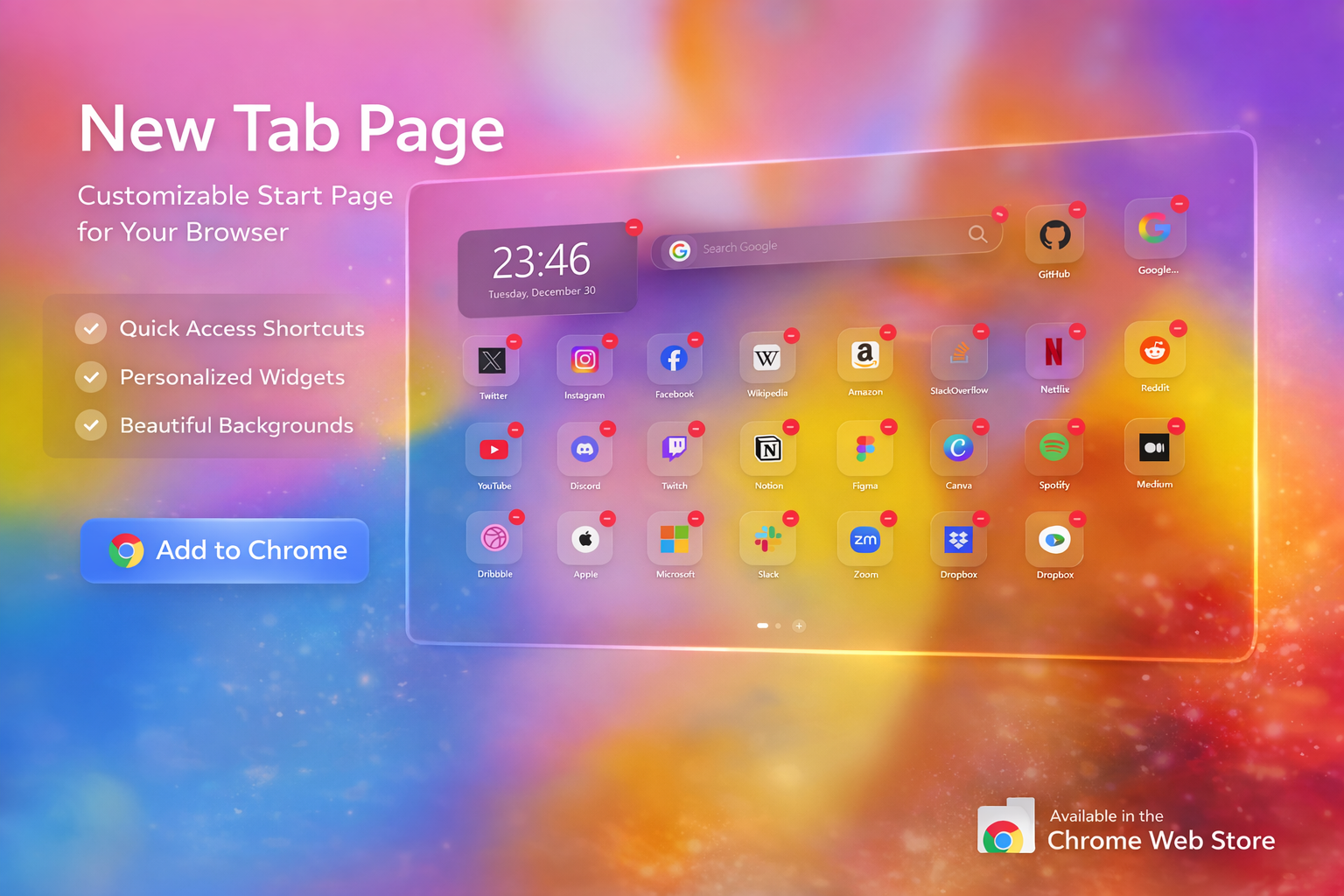
Screenshots
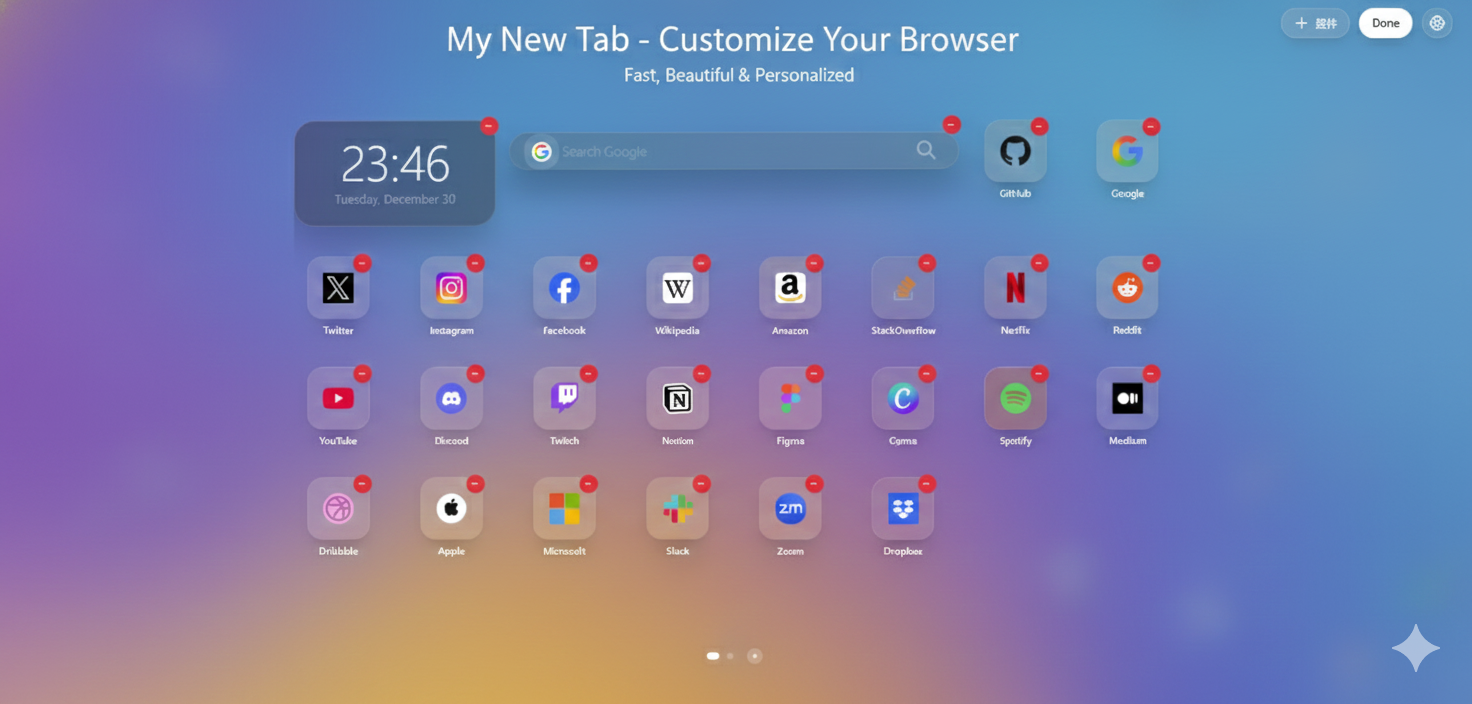
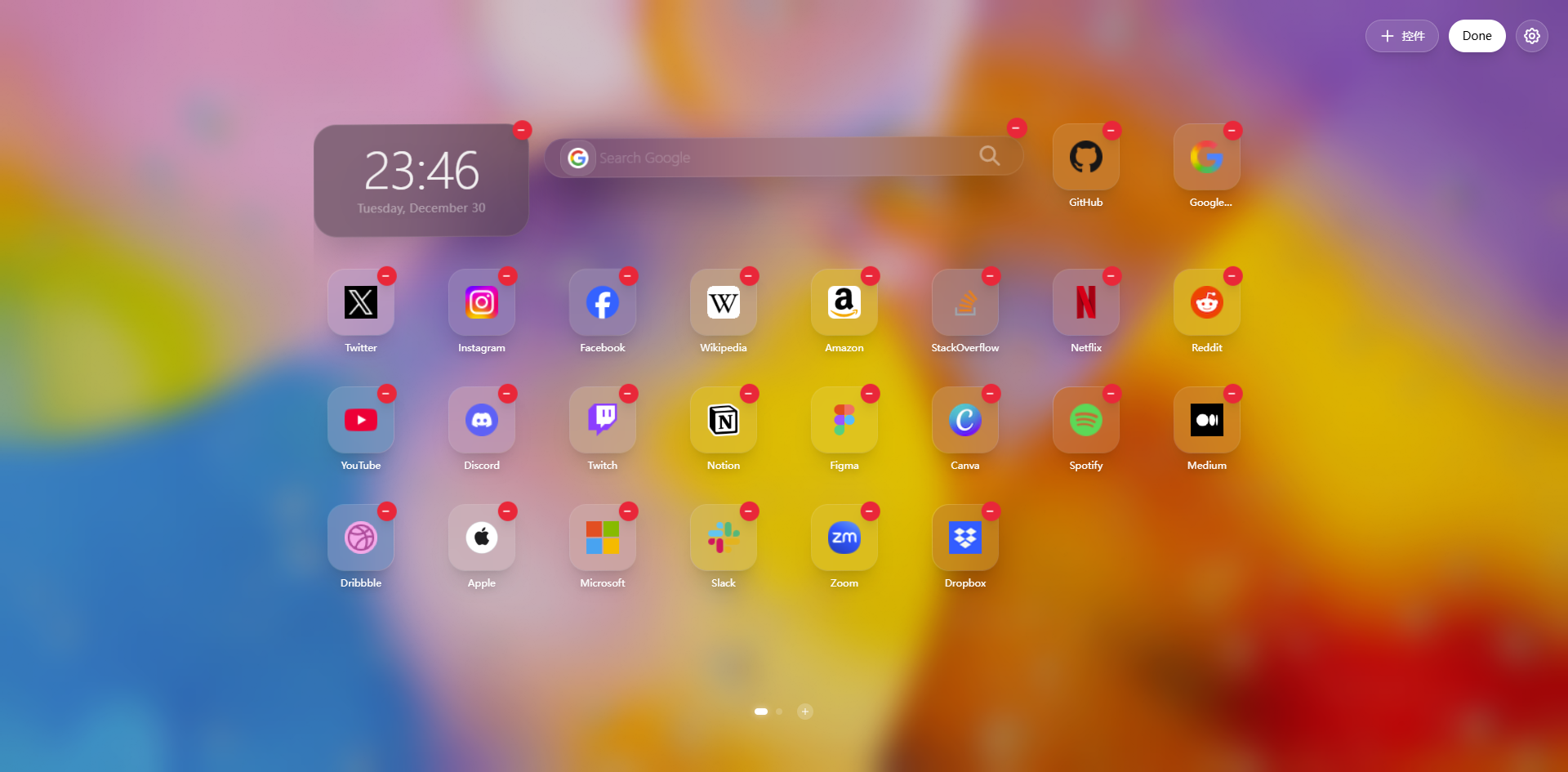
Features
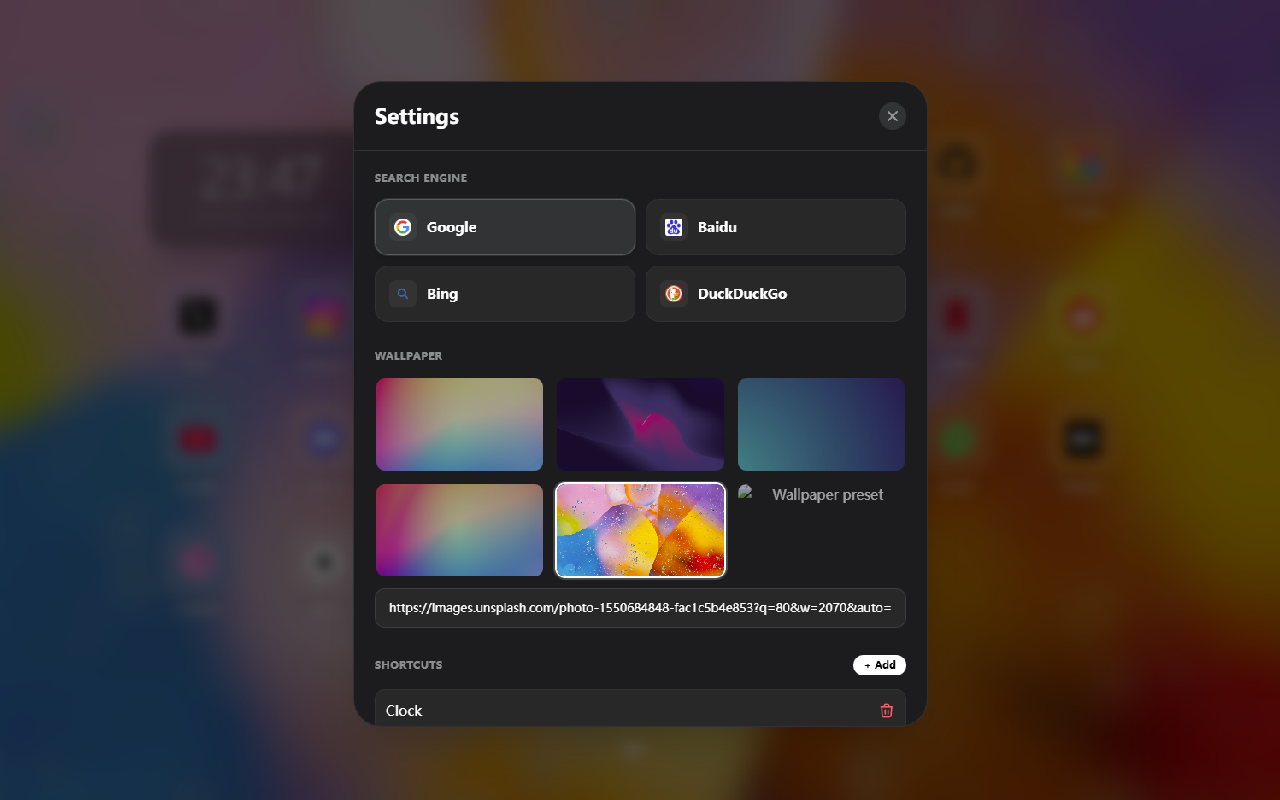
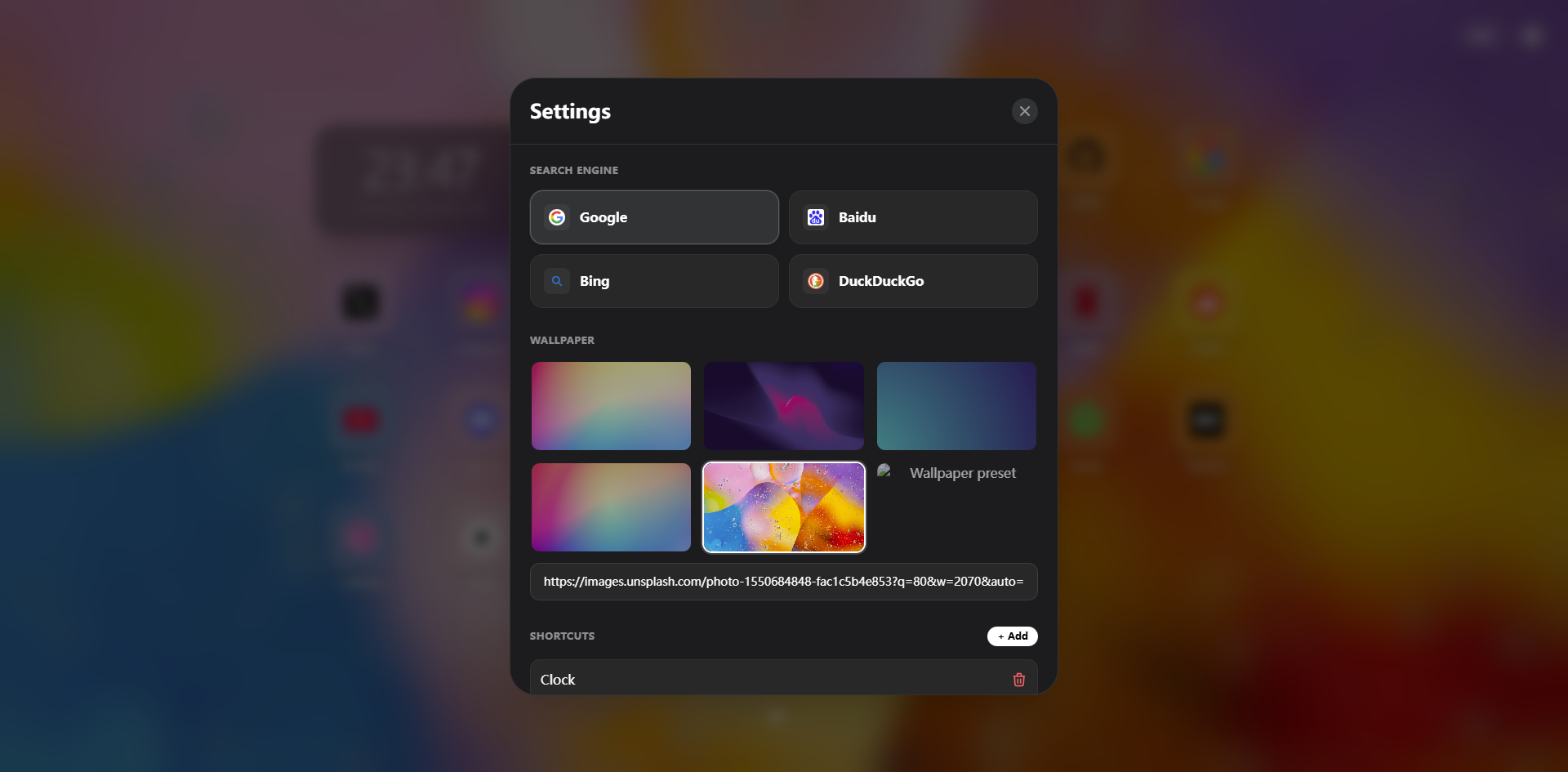
- Clean and modern UI with theme and background customization.
- Local preference storage using
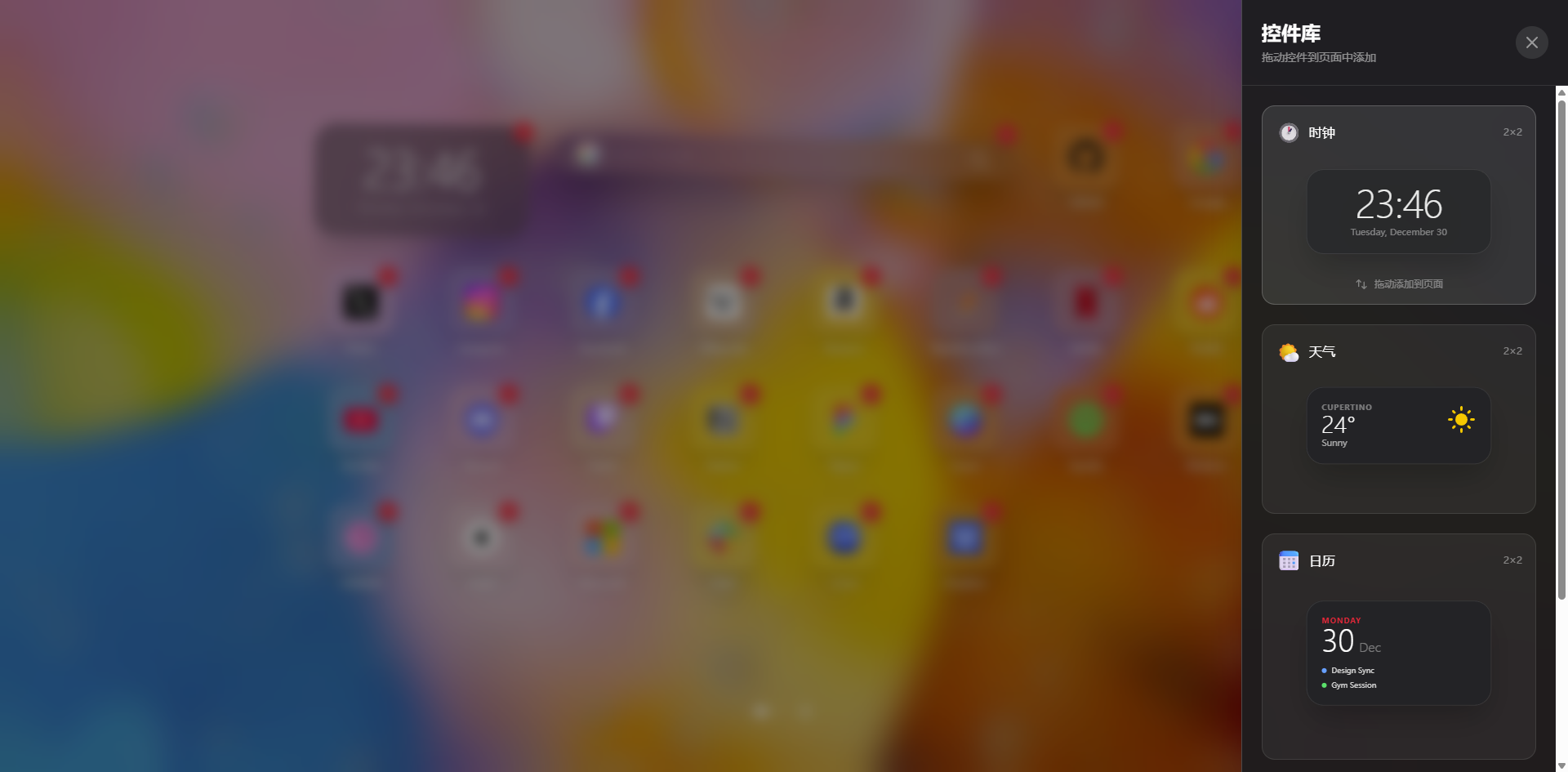
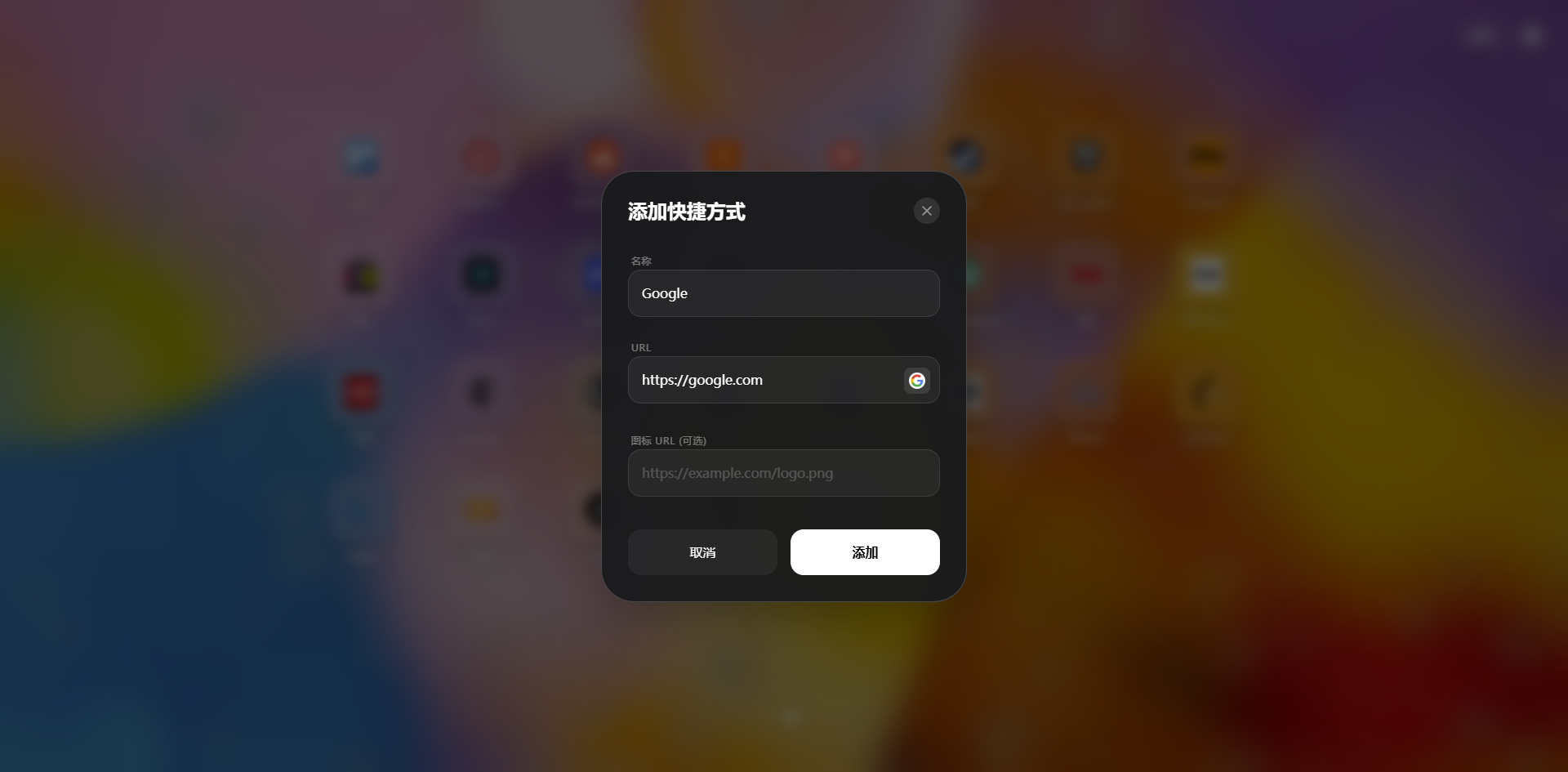
chrome.storage; no server required. - Quick-links for frequently visited sites, draggable and groupable.
- Optional anonymous analytics and crash reporting (opt-in).
Installation
- Open Chrome's extensions page:
chrome://extensions/. - Enable "Developer mode".
- Click "Load unpacked" and select the project's dist or build directory.
- Open a new tab to see WTab.
Permissions
Support
If you have feedback or encounter issues, please email zmtzwb+wtab@gmail.com.